7 Things to Check Before Choosing a Shopify Try-On App
Search “try on” in the Shopify App Store and you’ll get plenty of results. The demo videos all look good. Whether the app works with your products, on your customers’ phones is a different question.
From running try-on in our own store (Adelina Style), here are the seven things a jewelry store should check, in order of importance.
1. Where is the camera footage processed?
Try-on puts your customer’s face on camera. Check first whether that footage is processed in the browser only, or sent to a server.
Server-side processing means a privacy-policy disclosure, an explanation to customers, upload bandwidth, and round-trip latency. Browser-only means the footage never leaves the device, and you can state that plainly in your policy.
If the listing doesn’t say, ask the developer. If they can’t answer, move on.
2. Does it render at real-world scale?
Earrings are small. If try-on shows a different size than the real product, you get “smaller than I expected” returns.
Check whether you can register a real size (mm) per product, and whether the rendered size on the ear is derived from it. Apps that just “place the image at the ear” scale with the image resolution, which is meaningless.
For products with size variants (8 / 10 / 12 mm inner diameter), check whether choosing a size changes the rendered size.
3. Does it use your own product images?
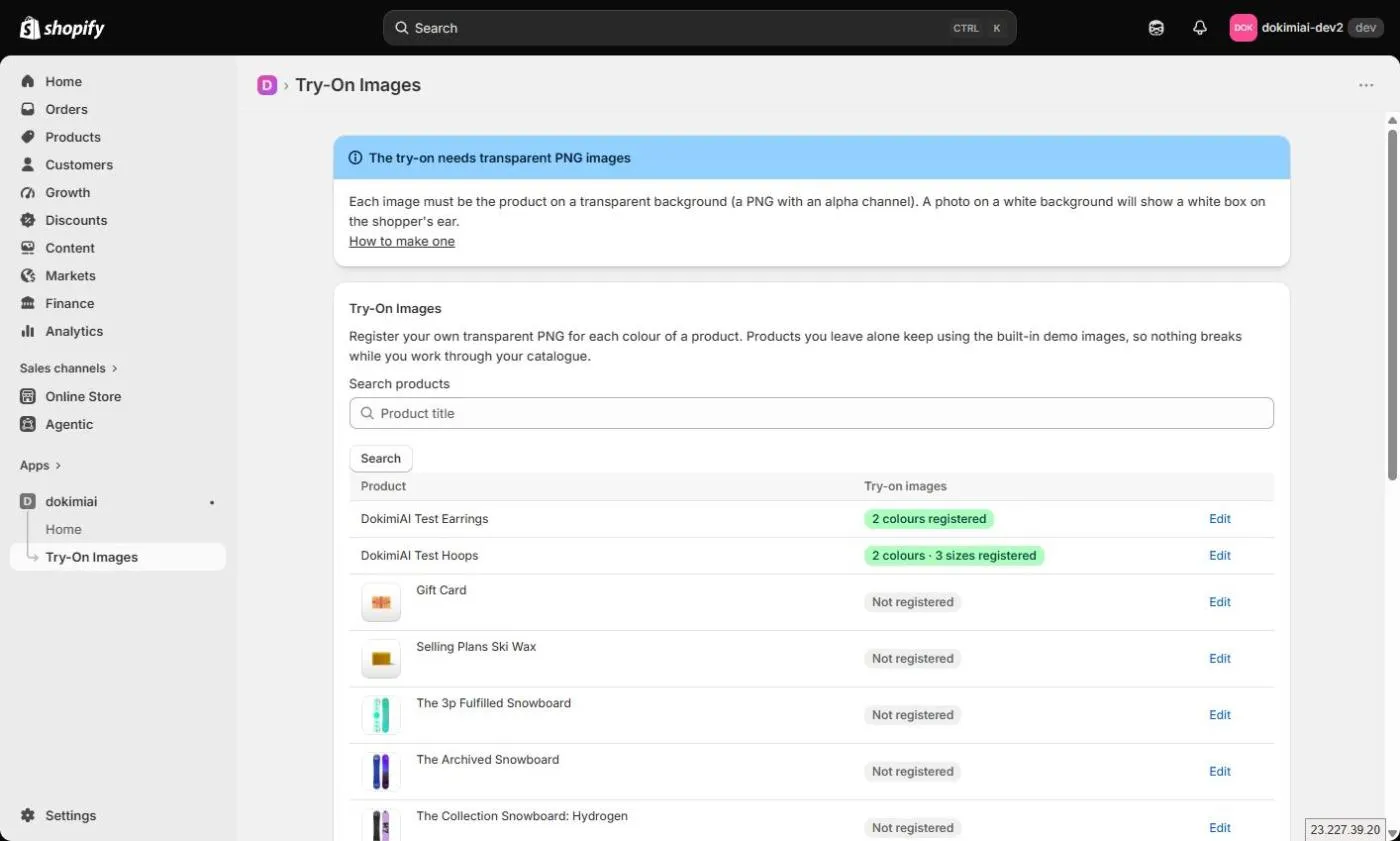
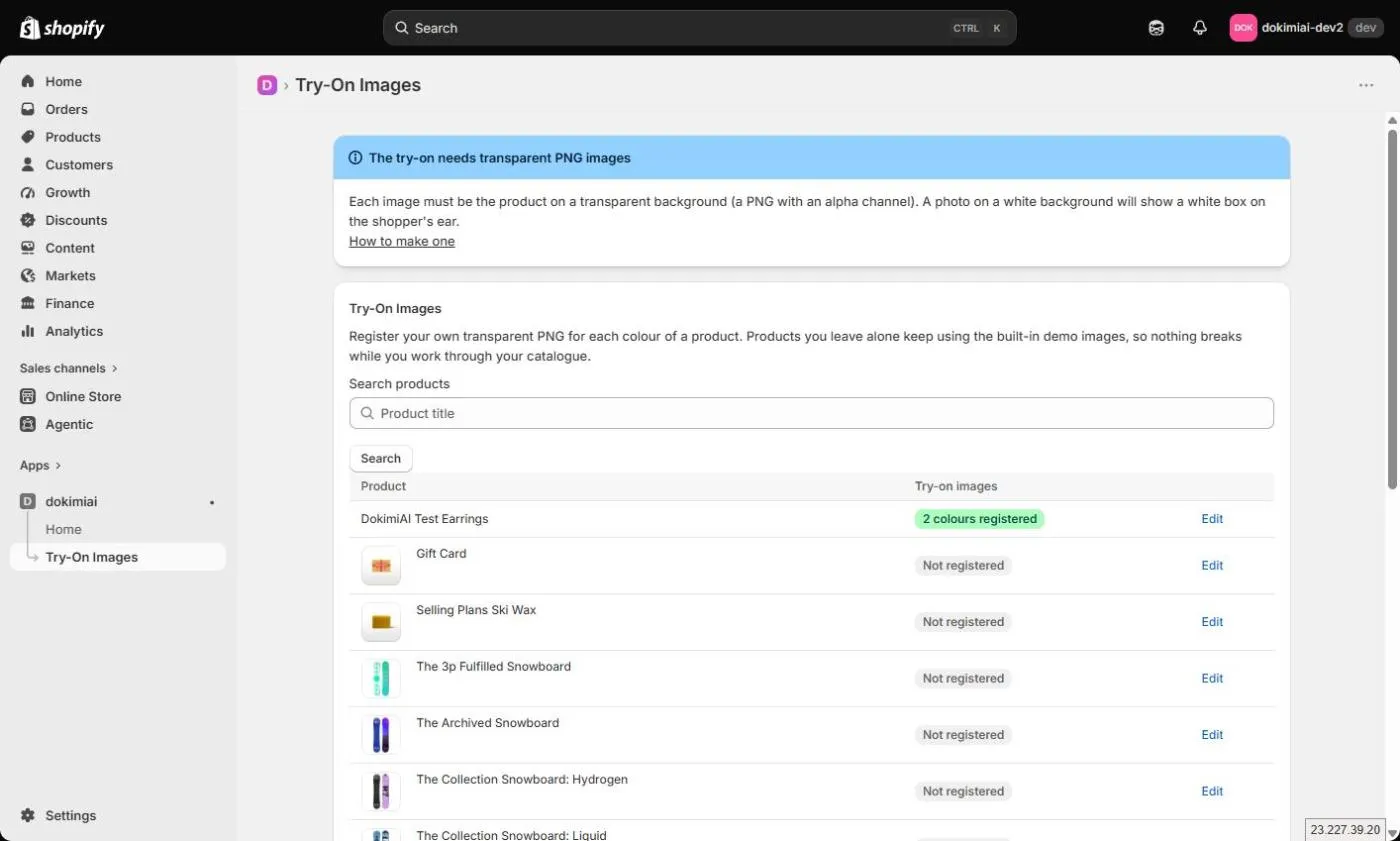
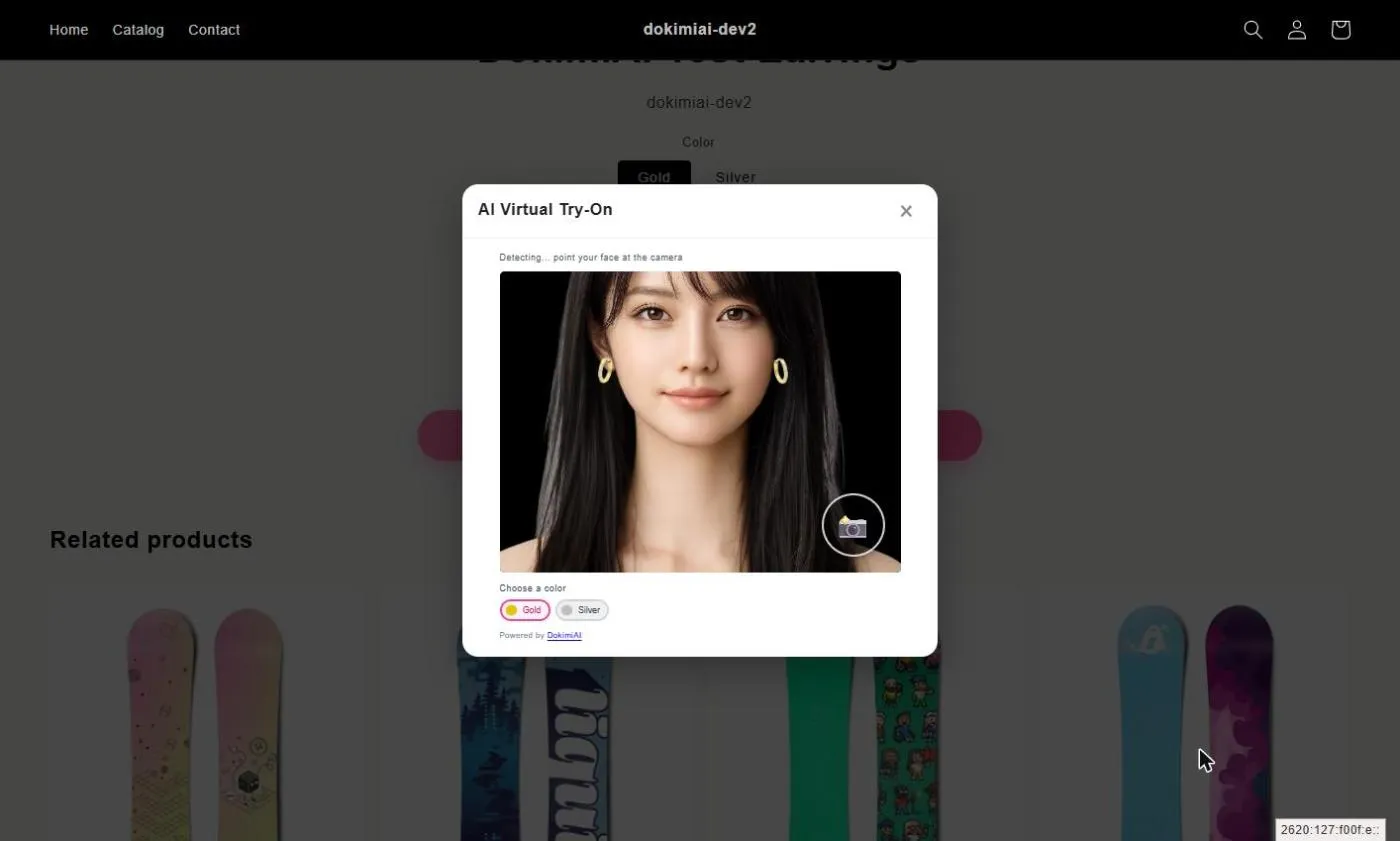
Easy to overlook: can you register images of your actual products, and do those appear on the ear?
Some apps that demo well use generic 3D models or representative shapes. That means customers try on something that isn’t your product, and notice the difference when the parcel arrives.
Apps that take your own transparent PNGs show the real thing. The cost is that preparing those PNGs is your job. That trade-off is unavoidable; skipping the effort defeats the purpose of try-on.
4. Does it sync with color and size variants?
Shopify products have variants. When a customer switches color on the product page, does the try-on image switch too? When they change size, does the size change?
Apps that don’t sync force workarounds like registering each color as a separate product, and that doesn’t survive real operations.
5. How does it integrate with the theme?
Shopify apps either install as an App Block you place in the theme editor, or they modify your theme code directly.
App Blocks drag into position, survive theme updates, and uninstall cleanly. Code modification means manual work every time you update or switch themes, and leftover fragments after uninstalling.
On an Online Store 2.0 theme, pick the App Block approach.
6. Page speed impact
Try-on needs a face-detection library that weighs several megabytes. Does the app load it on page load, or only when the button is tapped? That’s the difference between a slow product page and an unaffected one.
Most visitors to a product page never use try-on. Forcing all of them to download several megabytes hurts Core Web Vitals. An app that loads nothing until the tap has zero impact on those visitors.
Checking is easy: open a product page with the app installed, watch the Network tab in your browser’s dev tools, and see whether large files load before you tap anything.
7. Billing unit, and what’s free
Check whether billing is per try-on session, per product, or flat.
Per-session billing grows with usage — you sign up for a contract that gets more expensive if it works, before you’ve verified that it works. Per-product billing grows with your catalog.
Also: can you register your own product and try it on your own phone within the free tier? If not, you risk doing all the PNG preparation and only then discovering it isn’t what you expected.
Order of elimination
Points 1–3 narrow the field a lot. Points 4–6 are operational burden; point 7 is cost.
Then, finally, register one product and test on your own phone. Passing all seven means nothing if your product doesn’t sit cleanly on the ear.
Summary
| # | Check | What to look for |
|---|---|---|
| 1 | Footage processing | Browser-only |
| 2 | Real scale | mm registration, size sync |
| 3 | Your own images | Not a generic model |
| 4 | Variant sync | Color/size switches update the overlay |
| 5 | Theme integration | App Block |
| 6 | Page speed | Nothing loads until the tap |
| 7 | Billing | Unit, and what’s free |
DokimiAI is built to satisfy all seven — because our own store needed them. But the list applies to any app, and it makes the decision hard to get wrong.