Virtual Try-On and Privacy: Why the Camera Never Leaves the Browser
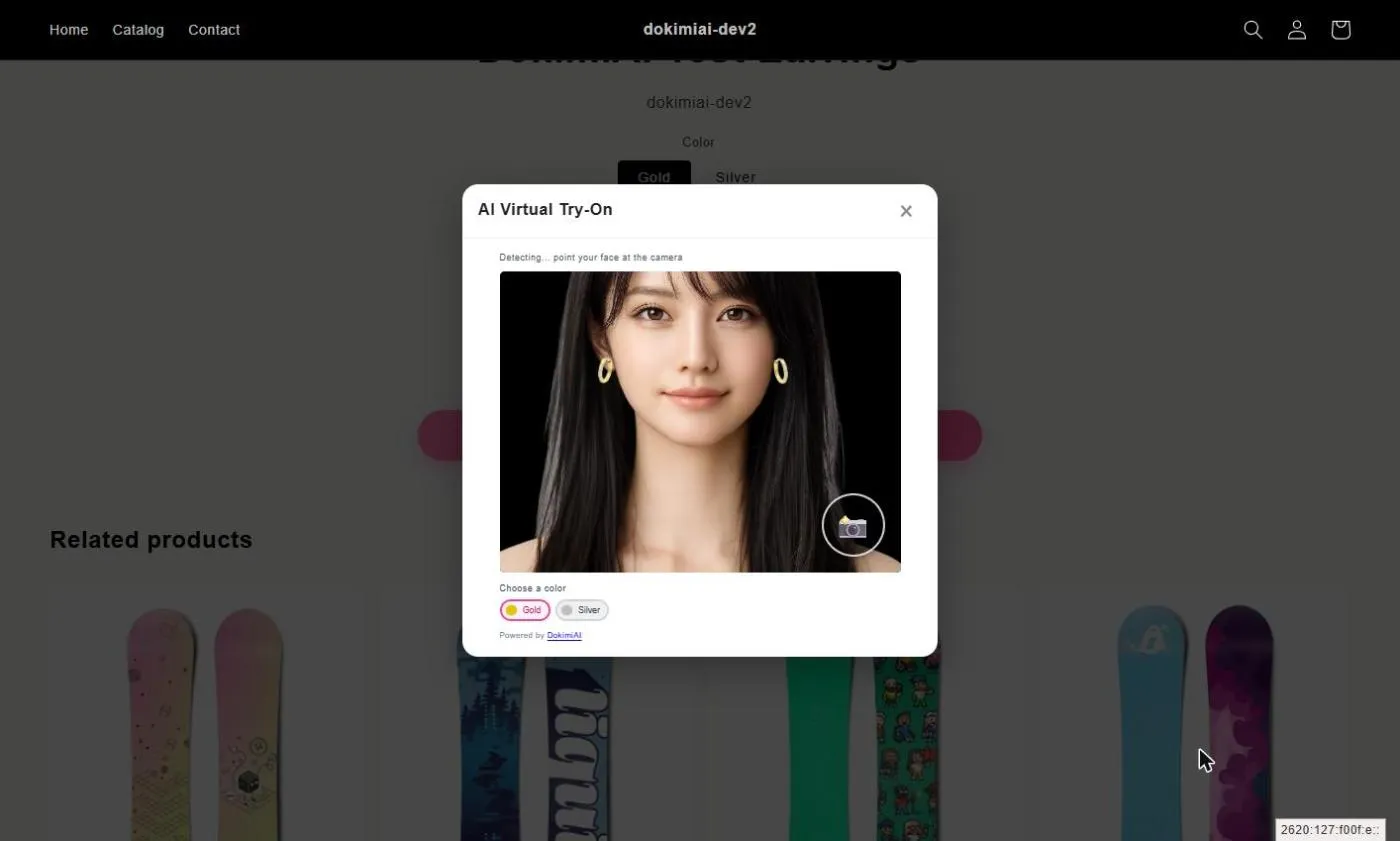
Tap the try-on button and the phone’s camera turns on. The shopper sees their own face. Any reasonable person thinks, at least once: “Where is this going?”
The store should think the same thing. If you put a feature on your site that sends customers’ faces somewhere, you need privacy-policy language, a consent flow, and control over the destination.
DokimiAI solves this by not sending anything. This article explains how that works and what facts you can use when explaining it.
Everything runs in the browser
Try-on needs three things:
- Detect the face and ear position in the camera feed
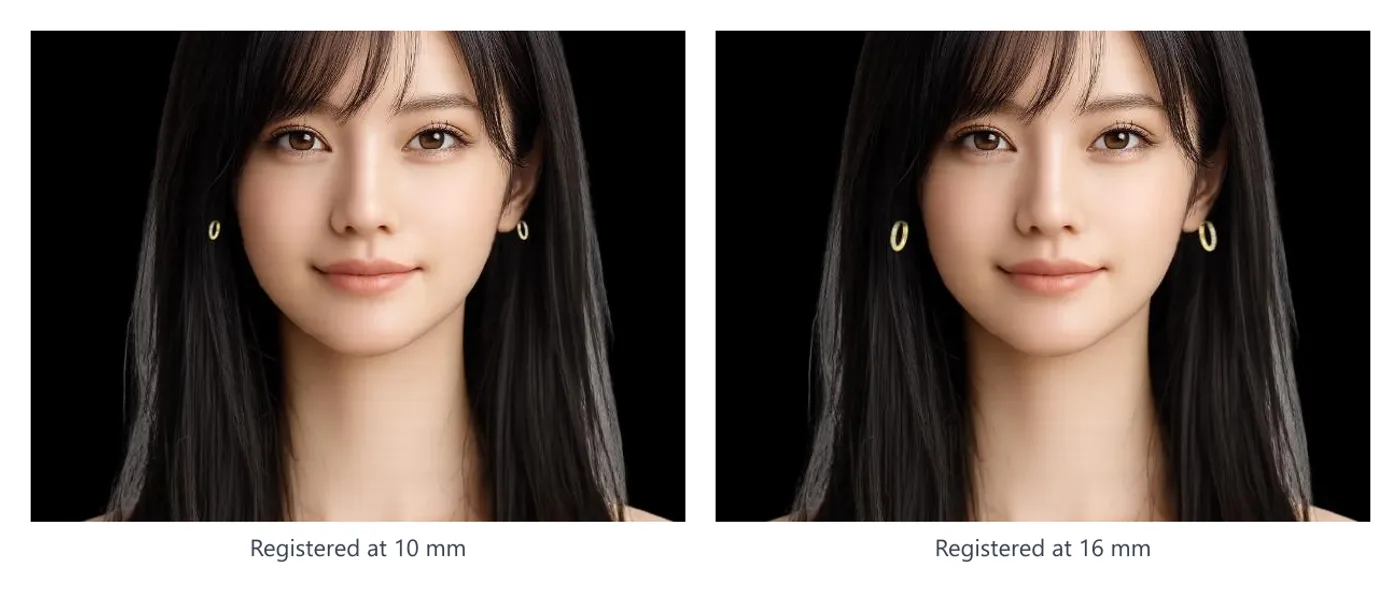
- Draw the product image at the ear, at real-world scale
- Follow color and size changes
All three run inside the shopper’s browser. Face detection uses a machine-learning model that runs in the browser (MediaPipe Face Mesh), loaded as a library when the button is tapped and executed on the device’s own CPU/GPU.
The camera feed flows into a video element in the page, and the product image is drawn on top. No frame of video ever goes out over the network. DokimiAI’s servers have no endpoint that receives footage during try-on.
What is and isn’t sent
| Data | Sent? | Note |
|---|---|---|
| Camera footage | No | Stays in the browser |
| Face landmarks (coordinates) | No | Computed on-device every frame and discarded |
| Try-on screenshot | No | Tapping capture creates the image on the device |
| Product image (transparent PNG) | Received from your server | The browser loads the file you host |
| Product settings (color names, size) | Received from your store or DokimiAI | Product data, not personal data |
With the capture-and-share feature, tapping the capture button creates an image on the device. Whether to save it or post it to social media is the shopper’s own choice. Neither the store nor DokimiAI receives that image.
What you can therefore state
In your privacy policy or product-page copy, you can write:
- The try-on feature runs in the browser on the customer’s device and does not transmit or store camera footage
- The store does not receive any footage or images from try-on
- Camera permission is managed by the browser and can be revoked at any time
You can say “does not transmit” without hedging because there is no transmission path. That’s the difference from approaches where the best available wording is “handled appropriately.”
How to verify it yourself
If you’d rather check than trust:
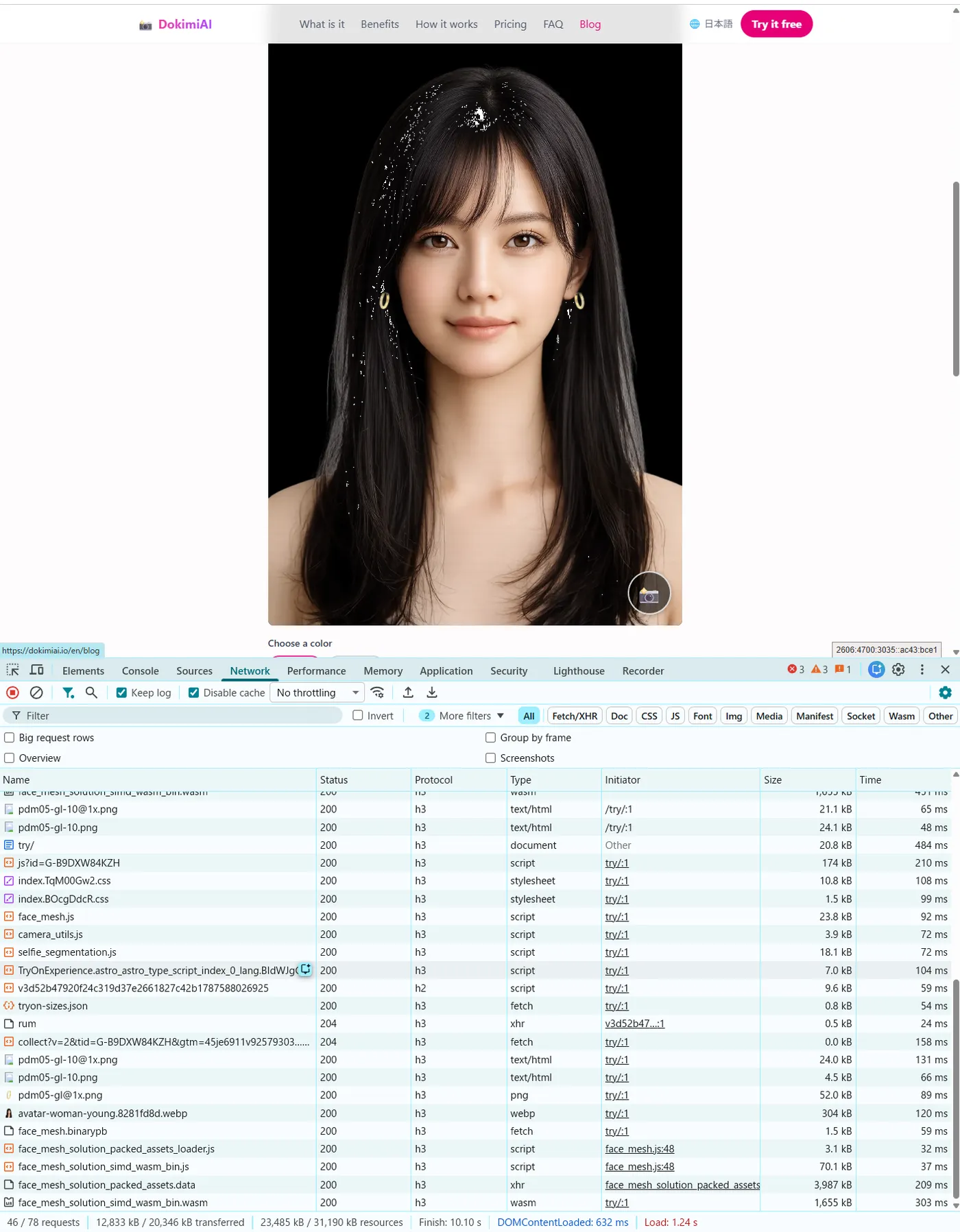
- Open one of your product pages in desktop Chrome
- Open Developer Tools (F12) → Network tab
- Tap the try-on button, start the camera, and move around for a while
The only new requests during try-on are the one-time load of the face-detection library and the fetch of your product image (aside from the site’s own analytics beacons). There’s no ongoing upload of any kind.
The trade-offs
Not sending footage has costs:
- Performance depends on the device. Older phones detect more slowly
- A few MB load the first time. Nothing loads until the tap, so non-users are unaffected, but there’s a wait of a few seconds right after tapping
- No server-side generation. This isn’t an approach that synthesizes a “photo of you wearing it” with generative AI; it overlays your actual product image on the ear
For our own store these were acceptable. Compared with holding customers’ facial footage, a few seconds of loading is the far smaller problem.
Summary
- Detection and compositing happen in the browser; camera footage is never sent
- Captured images are created on-device and reach neither the store nor DokimiAI
- You can state “not transmitted or stored” as a fact
- The Network tab lets you confirm it
Being able to answer “where does the footage go?” matters as much as the feature itself.